


NOTE: JETEP has transitioned to Impact Level 5 (IL5).
The JETEP transition from Impact Level 4 (IL4) to Impact Level 5 (IL5) is complete, and JETEP is available for use at https://jetep.apps.dso.mil/.
For JETEP access via the Citrix Workspace application, reach out to your organization's Help Desk to obtain your network's Citrix Store URL.
If you have any questions or experience issues accessing JETEP, please contact the JETEP team at OSDRE-JETEP@mail.mil.
To help us troubleshoot, include your organization or user group (FRR, PPP, DTE&A, General User), whether you are working onsite or remotely, the device and connection method you are using, and a description of the issue or error message.
How to Access
The JETEP portal requires a Platform One account to access. A DoD Common Access Card (CAC) or a government-issued Personal Identity Verification (PIV) card is required.
Please create a Platform One account before proceeding to the JETEP portal.
Platform One Onboarding and FAQ
NOTE: Platform One has implemented a secure solution to protect IL5 applications. Users will need to sign in to AppGate with their CAC credentials before arriving to any IL5 applications. Learn More

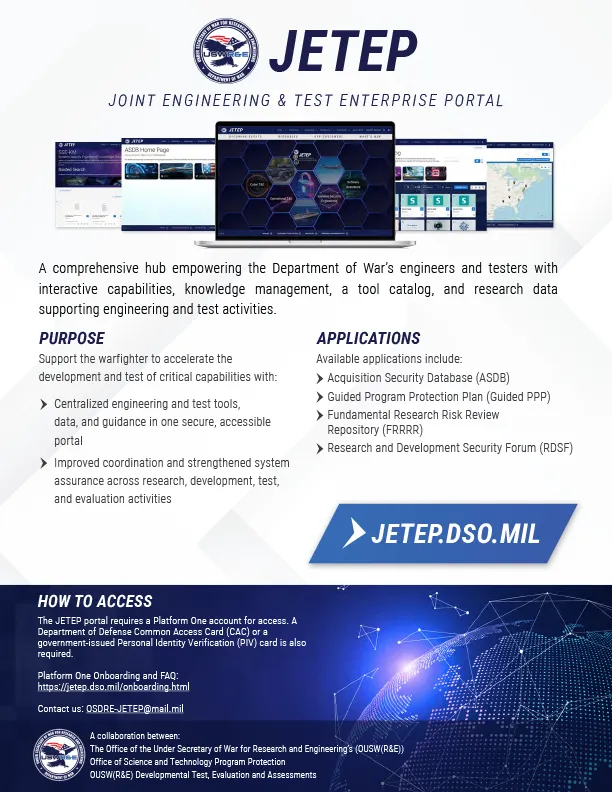 JETEP Factsheet